CLEAN ARTWORK
LOGOS, ICONS & PIXEL ART
Image to beads, instantly
Map clean shapes to real bead colors and get counts without changing the design.
AI FUSE BEAD PATTERN STUDIO
Turn a clean image into a pattern instantly—or use AI to simplify photos, pets and detailed artwork before converting.
 ↔
↔TWO WAYS TO START
Choose the shortest route for the image you have. Both paths end in an editable, build-ready pattern.
Map clean shapes to real bead colors and get counts without changing the design.
Clarify faces and silhouettes, reduce visual noise, then produce the bead guide.
PATTERNS MADE TO BUILD
Not a blurry pixel filter—a practical craft plan that protects the subject’s important features.
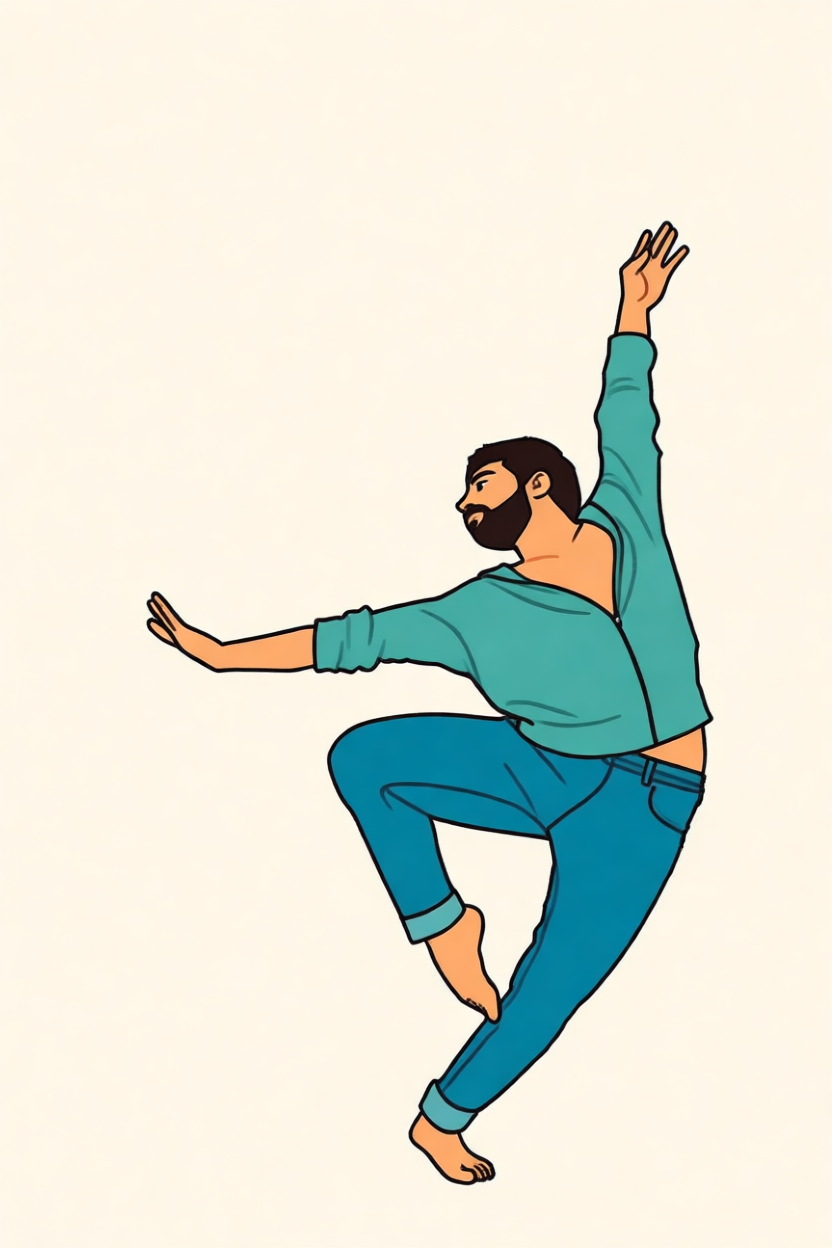 same subject, clear pose
AI EXAMPLES
Try every example. Each one moves from the original idea to clean artwork and then to a pattern.
ORIGINAL PHOTOReady for AIPET MAKEOVER
Keep the eyes, flat face and Santa hat readable, reduce the decorations, then map to real bead colors.
pet photo → clean bead-ready portrait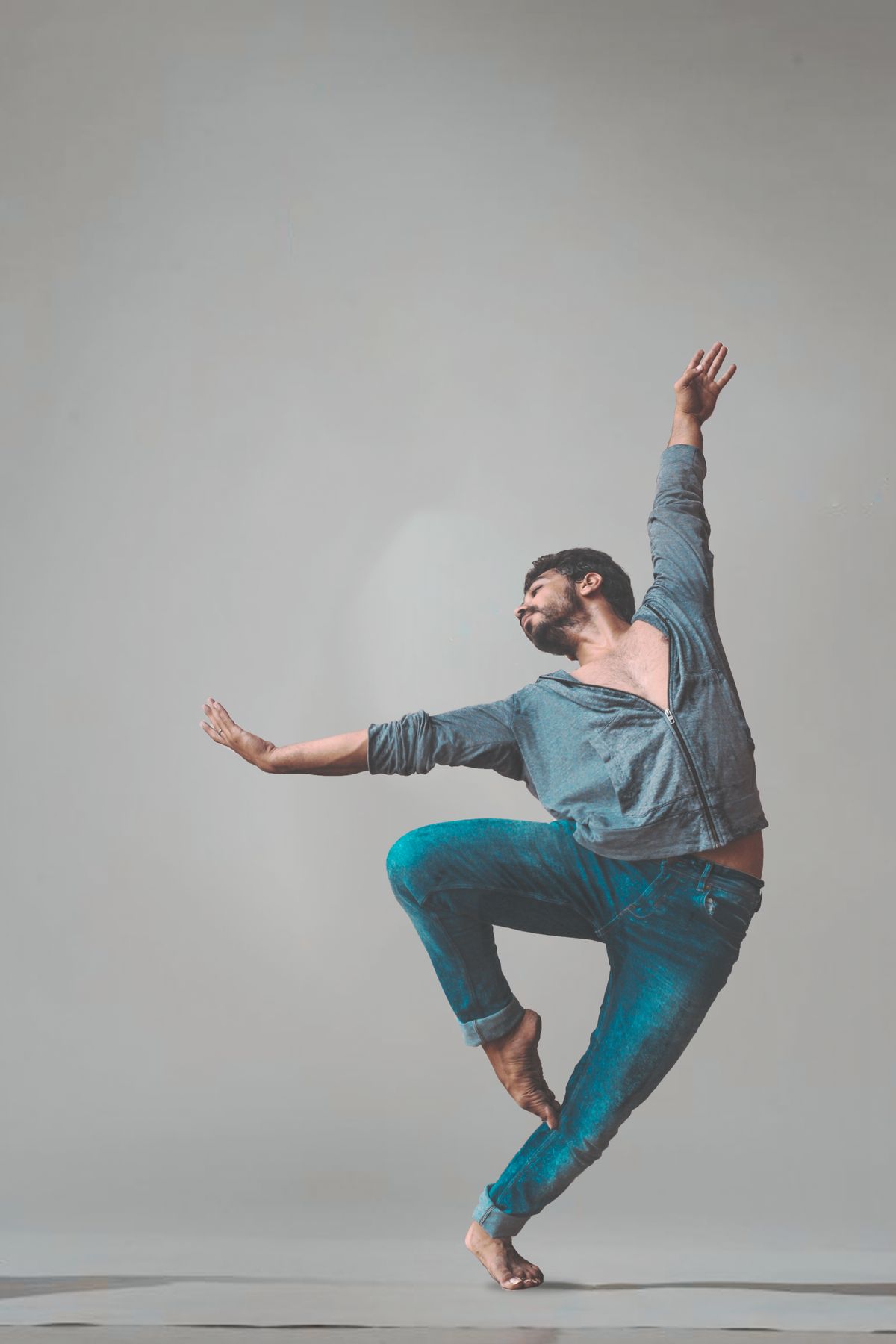 ORIGINAL PHOTOReady for AI
CHARACTER ACTION
The clear arms and legs survive simplification, while the empty background becomes easy to build.
dance photo → simplified action character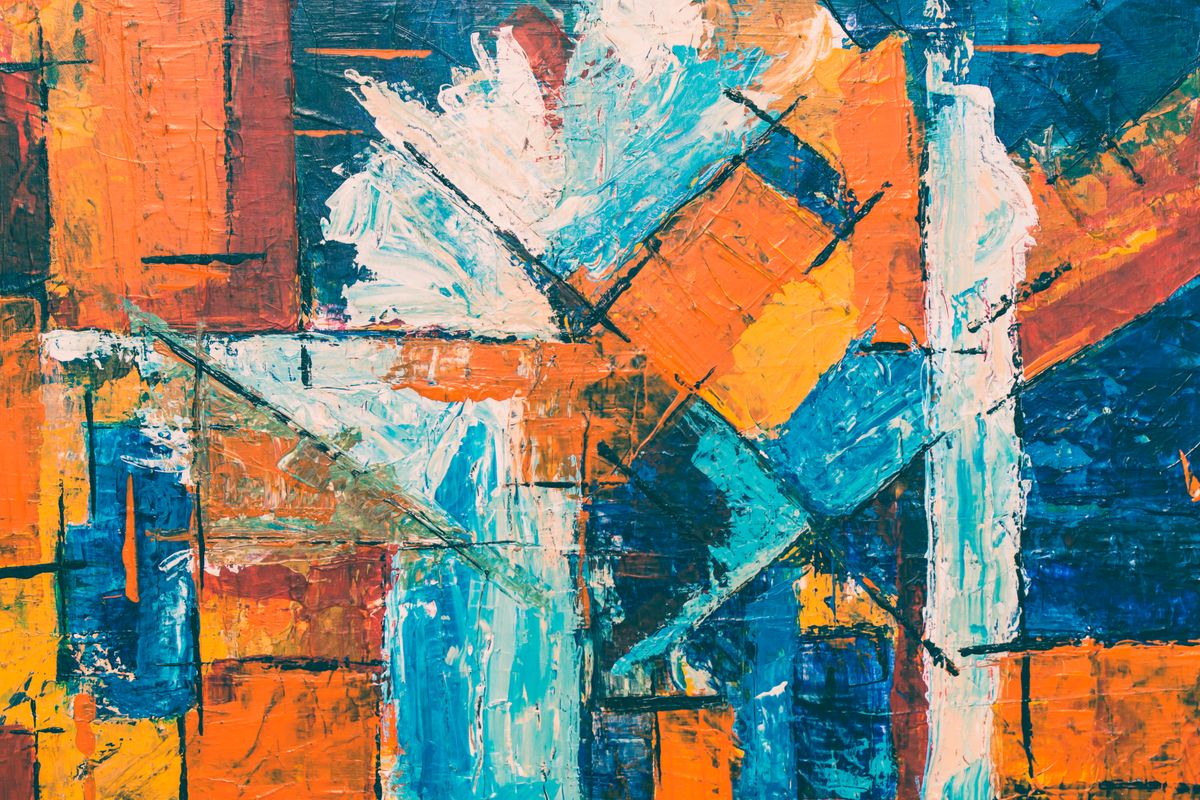 ORIGINAL ARTReady for AI
ARTWORK TO PIXELS
The original paint texture is consolidated into a smaller set of strong, purchasable colors.
painting photo → crisp color-block design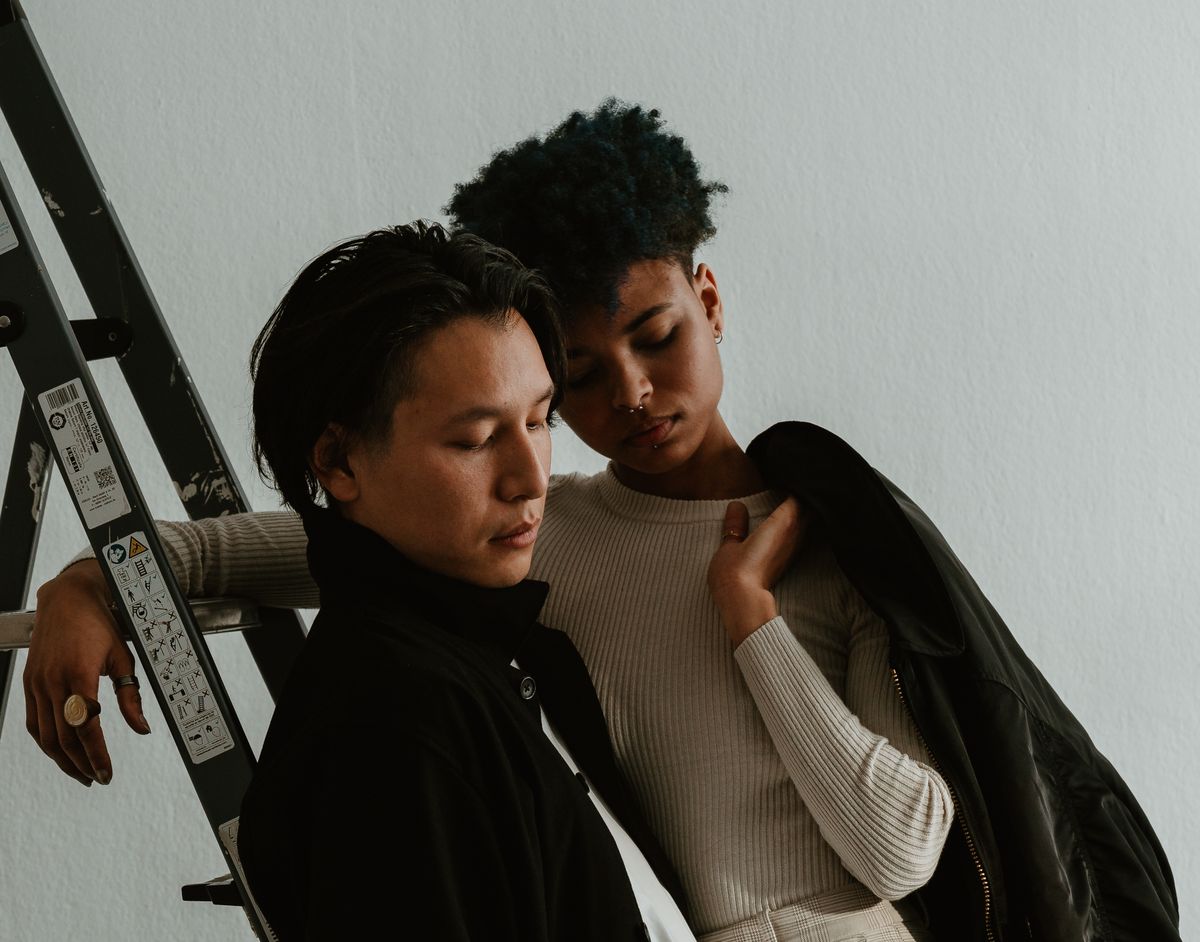 ORIGINAL PHOTOReady for AI
COUPLE KEEPSAKE
Strong light/dark clothing contrast keeps both people separated after color reduction.
couple portrait → clean keepsake pattern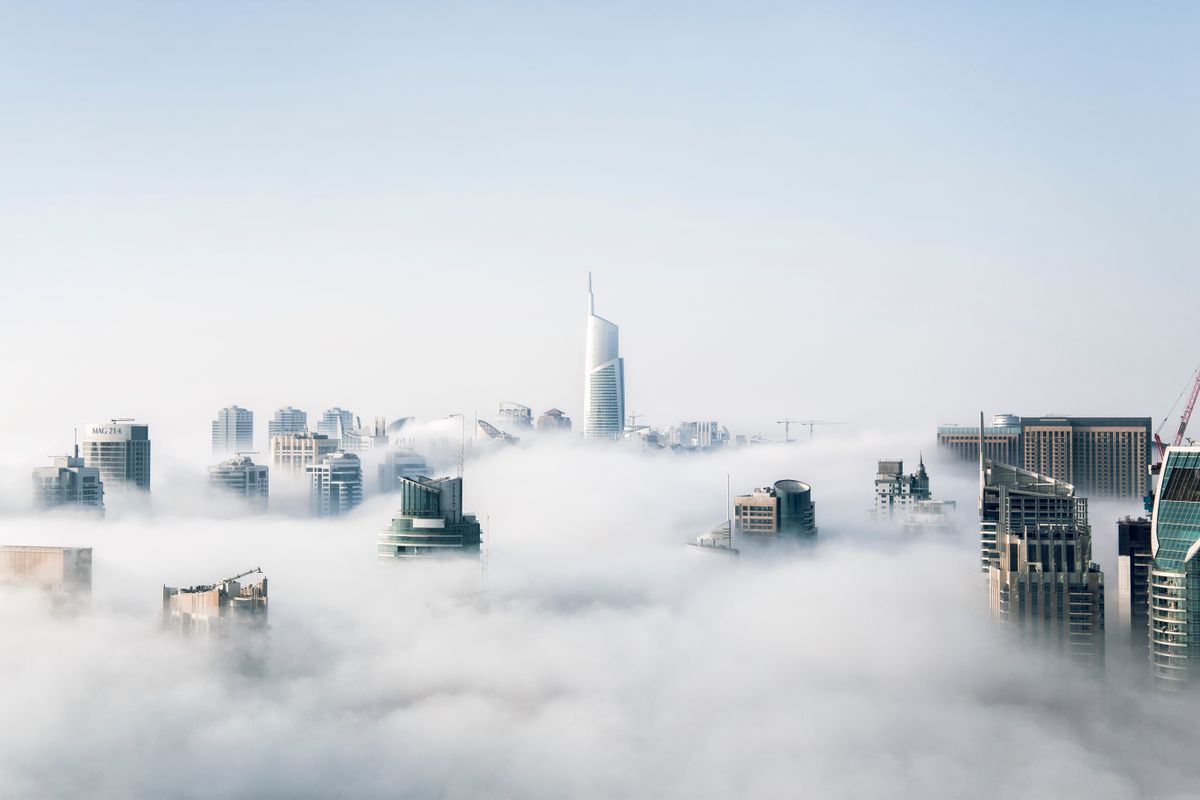 ORIGINAL PHOTOReady for AI
ARCHITECTURE
AI consolidates cloud gradients and emphasizes tower silhouettes before conversion.
city photo → clean skyline poster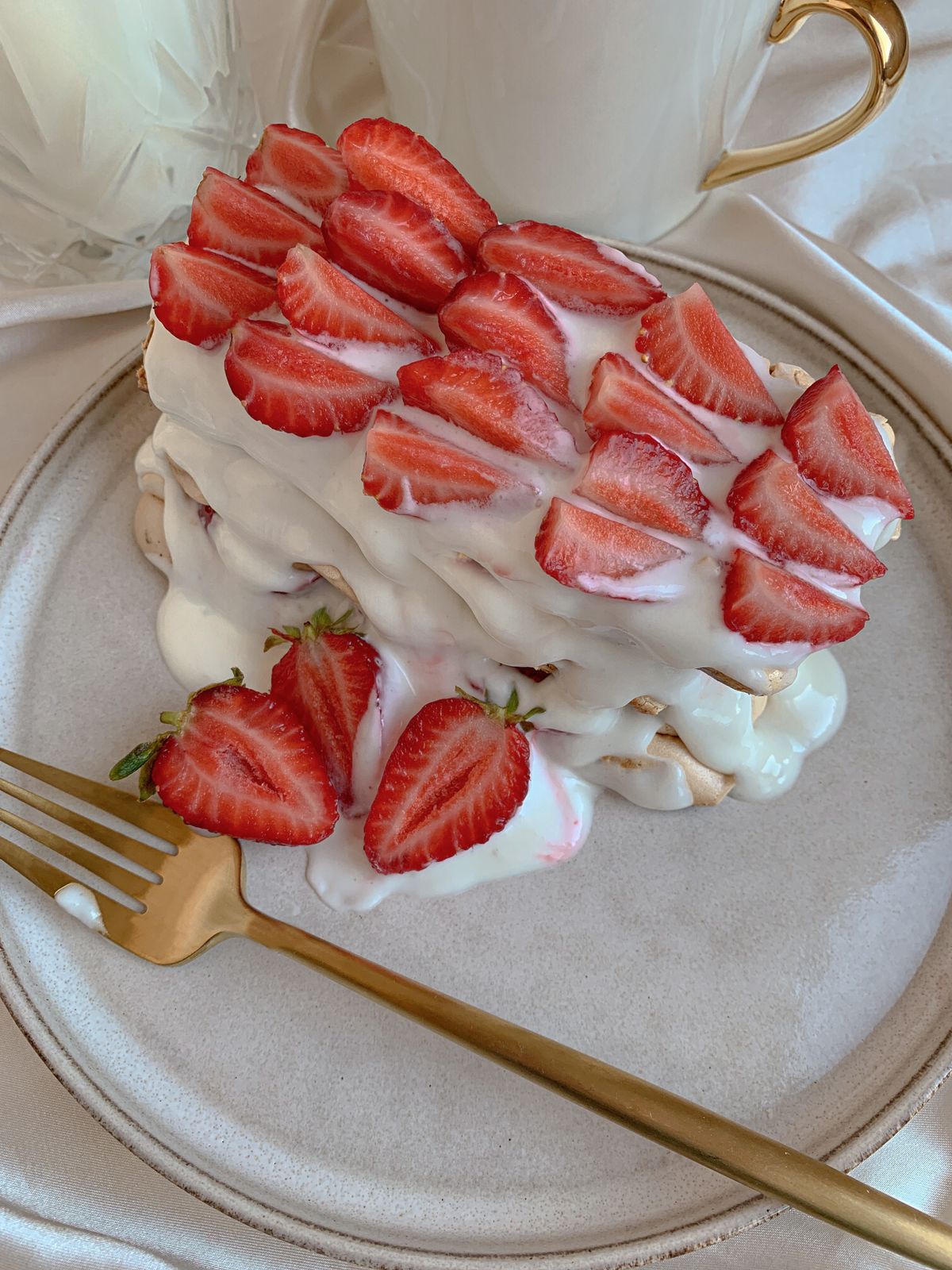 ORIGINAL PHOTOReady for AI
SMALL OR LARGE
The red berries and white cream remain recognizable even with a compact palette.
dessert photo → clean collectible iconNO DESIGN EXPERIENCE NEEDED
Build your first editable fuse bead pattern in minutes.
Open Beadloom Studio